AB Testing Ad Creative for Better Performance
Why A/B Testing Your Ad Creative Matters
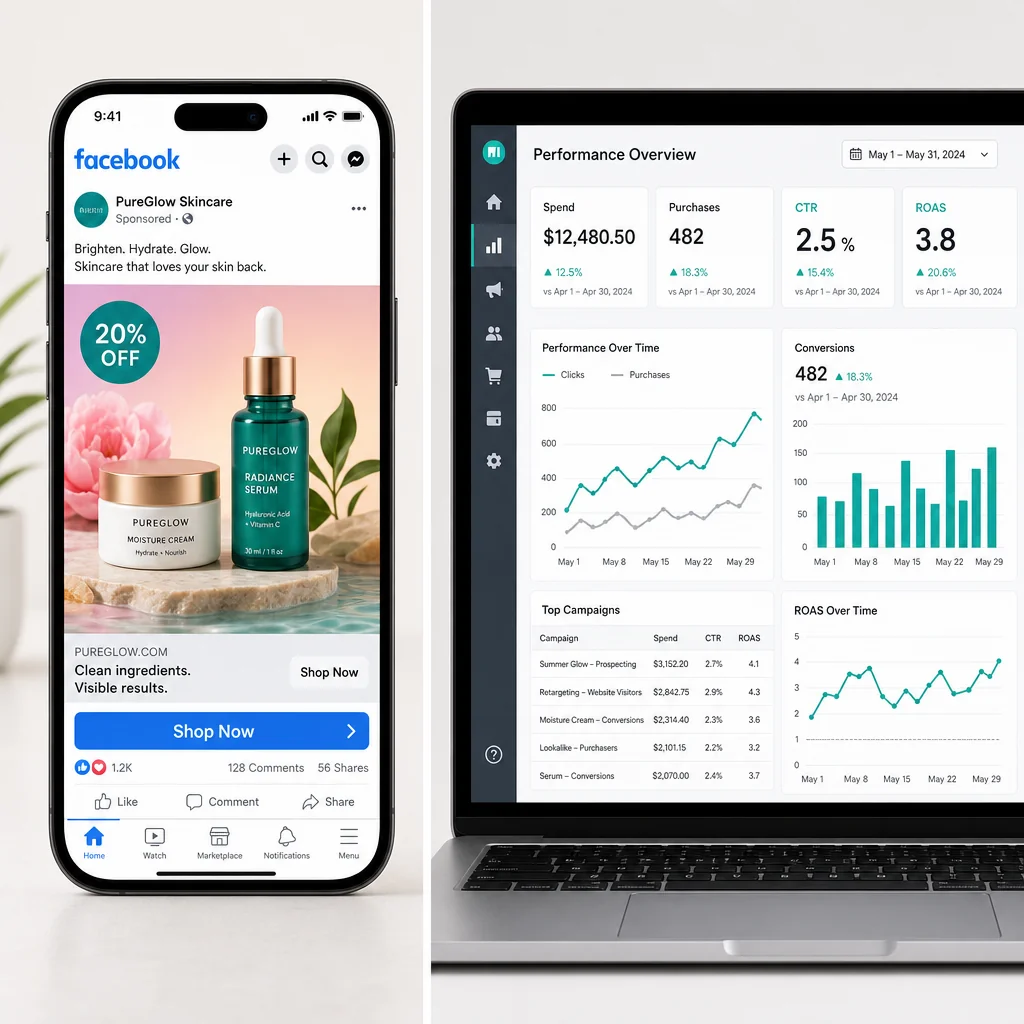
In a Google Ads campaign, the creative—copy, image, and CTA—acts as the gateway to your landing page. Small tweaks can shift a click‑through rate (CTR) from 2% to 5%, dramatically improving ROI. Systematic A/B testing removes guesswork and lets data drive every creative decision.
Step‑by‑Step Testing Framework
- Define a single variable – Test one element at a time (headline, image, or CTA).
- Create two variants – Label them Control (current version) and Variant (new idea).
- Set a statistically sound sample size – Use an online calculator; aim for at least 100 conversions per variant for reliable results.
- Run the test for a minimum of 7 days – This captures weekday/weekend behavior and avoids day‑part bias.
- Measure key metrics – Focus on CTR, conversion rate, and cost‑per‑acquisition (CPA).
Creative Elements to Test
- Ad Copy – Swap power words, adjust character length, or experiment with question‑based headlines.
- Imagery – Compare lifestyle photos vs. product close‑ups; test color overlays that match your brand palette.
- Call‑to‑Action (CTA) – Try “Get Started Today” vs. “Claim Your Free Demo”; test button colors and placement.
Interpreting Results
- Statistical significance: If the p‑value is below 0.05, the winner is likely not due to chance.
- Lift calculation: ((Variant CTR – Control CTR) ÷ Control CTR) × 100 gives the performance gain.
- Iterate: Once a winner emerges, lock it in and move to the next variable.
Quick Tips for Success
- Keep the audience consistent – Use the same targeting settings across variants.
- Limit the number of active tests – Running too many simultaneously can dilute data.
- Document every test – Record hypothesis, settings, and outcomes in a shared spreadsheet.
By following this disciplined A/B testing process, you’ll continuously refine your ad creative, boost CTR, and lower CPA—turning every Google Ads dollar into measurable growth.